
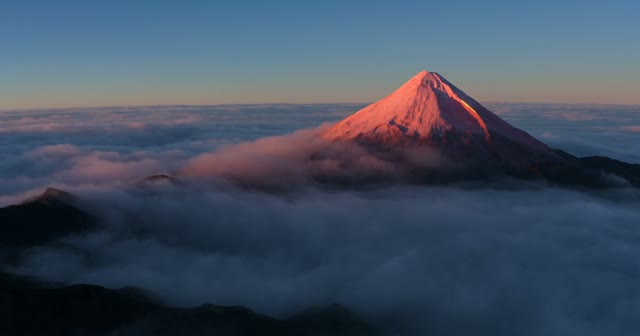
Seedance 2.5
ByteDanceFrom 25 credits
Use Seedance for text to video, image to video or a new clip guided by a reference video. Choose a ready-made template for a scene with a built-in prompt.
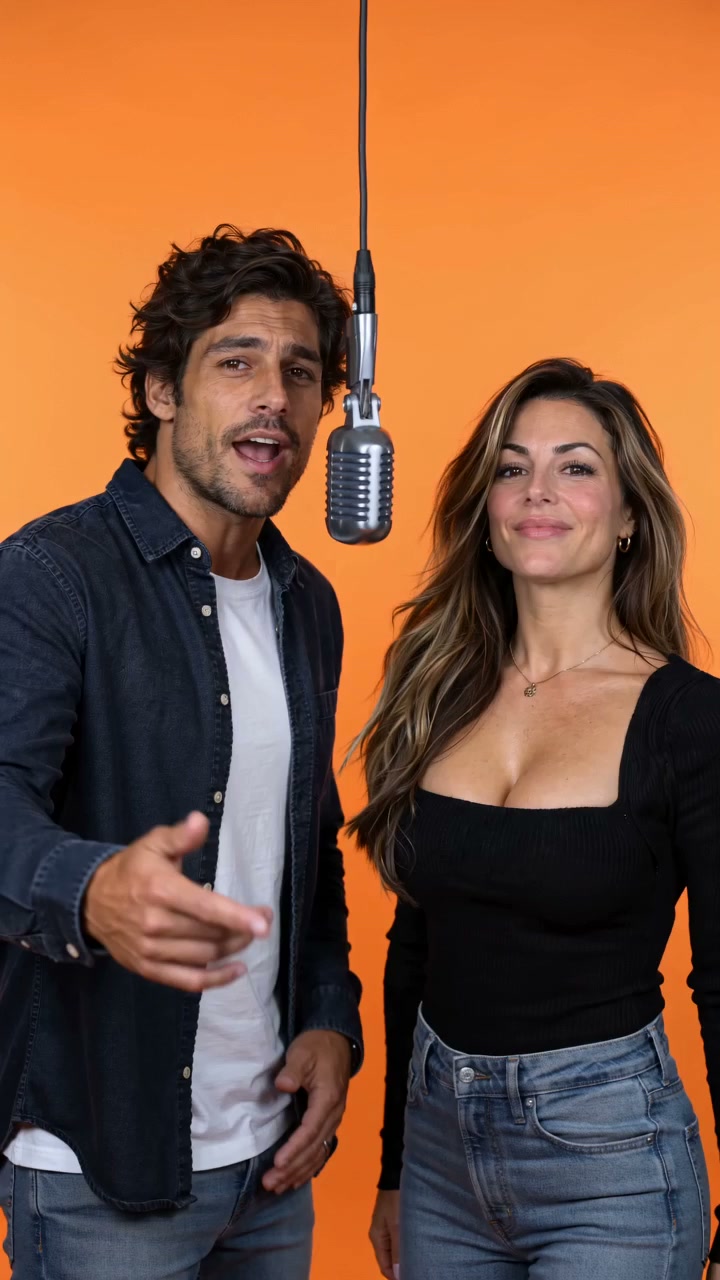 Popular template
2 photos → 10s
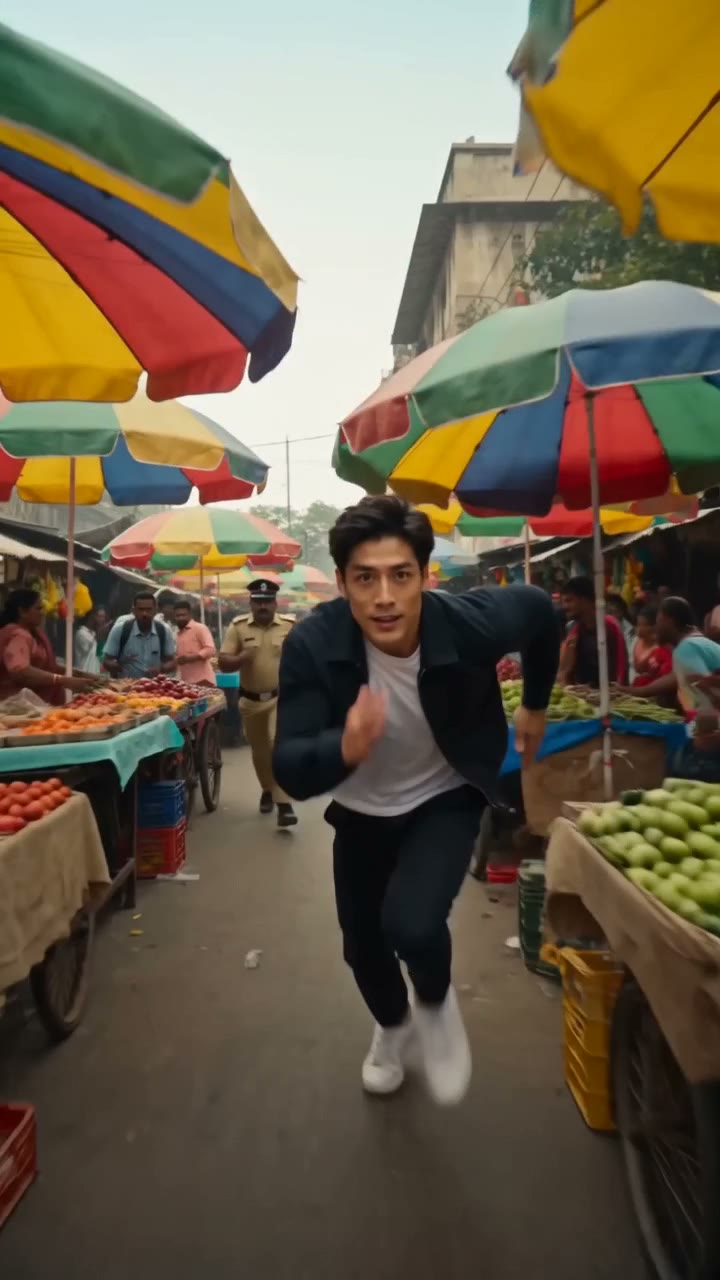 Popular template
1 photos → 10s
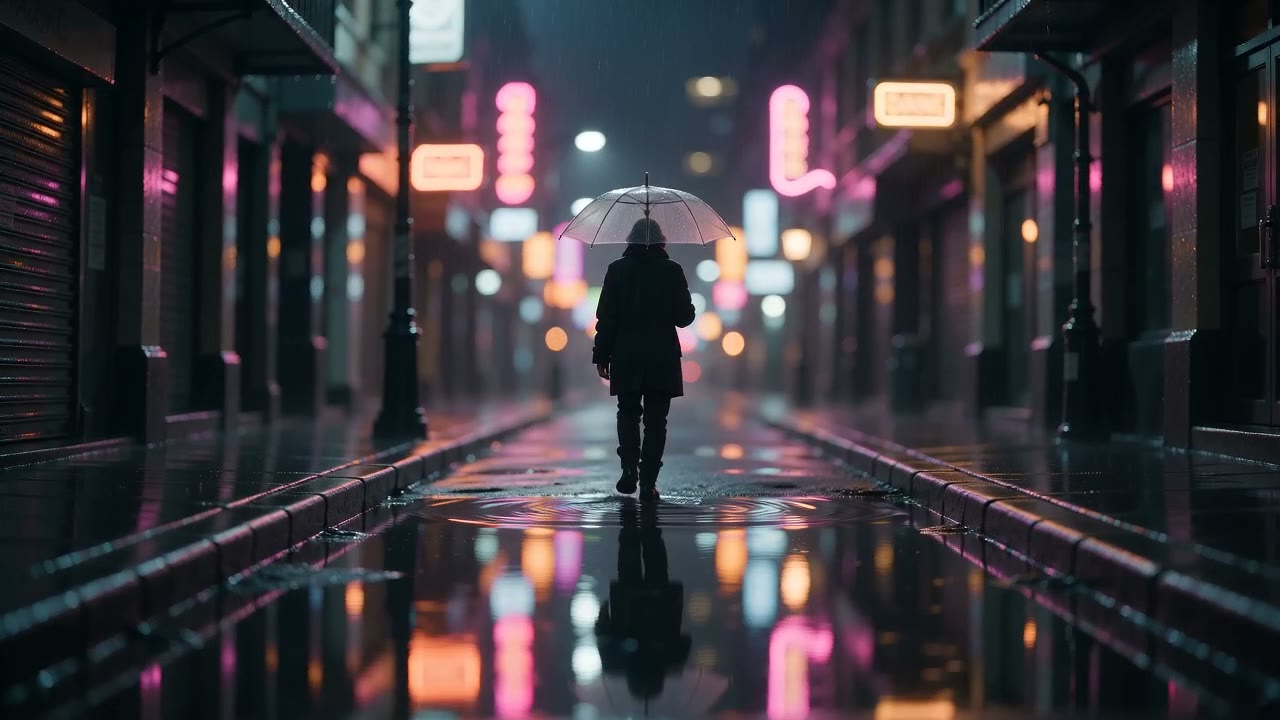 Seedance 2.0 Mini
Text → Video
 Seedance 2.0 Mini
Text → Video
 Seedance 2.0 Mini
Text → Video
 Seedance 2.0 Mini
Photo → Video
 Seedance 2.0 Mini
Photo → Video
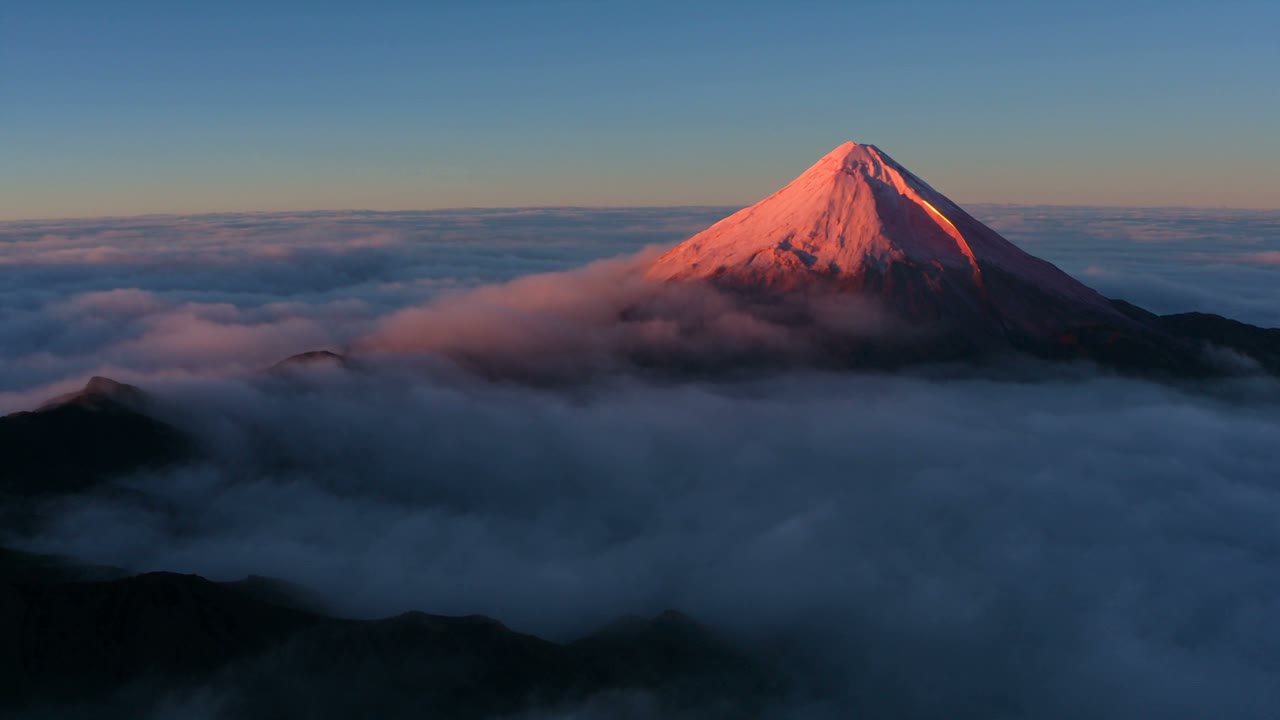 Seedance 2.5
NEWNew model
Up to 30 seconds per clip at up to 1080p, in landscape, portrait or square.
Each card shows what goes in and what comes out. Hover to play.
Photo VideoReal outputHotel Lobby Duo · 45 credits by default
Text VideoSeedance 2.0 MiniText to video · from 8 credits
Photo VideoSeedance 2.0 Mini
Image to video · from 8 credits
Photo VideoReal outputAI Police Chase Video
Photo VideoSeedance 2.0 Mini
Product photo → ad clip
Watch the generated preview, then use your own photos to make a new take.
Default: 45 credits · 2 reference images
Default: 45 credits · 1 reference image
Compare supported inputs and starting credits. Your model, resolution and duration determine the quote shown before generation.
From 25 credits
From 8 credits
From 18 credits
From 11 credits
From input to a downloadable clip in three steps.
Start with text, photos, an MP4 reference or a template.
Choose your model and output settings before you generate.
Track progress, then preview and download the result in My videos.
Start with a preset like Hotel Lobby Duo or AI Police Chase, or choose a Seedance model and create from text, photos or a reference video.
See the credit quote before you generate. One-time credit packs give you the option to buy credits without a subscription.
Seedance 2.0 MiniDescribe a quick scene and choose a vertical aspect ratio to try an opening shot for a short-form post.
Seedance 2.0 MiniUse product photos as references for a new ad concept. Guide the subject, appearance and style; review product details in the result.
Use portraits or illustrations you have permission to use as references for a new character video. Results vary by model.
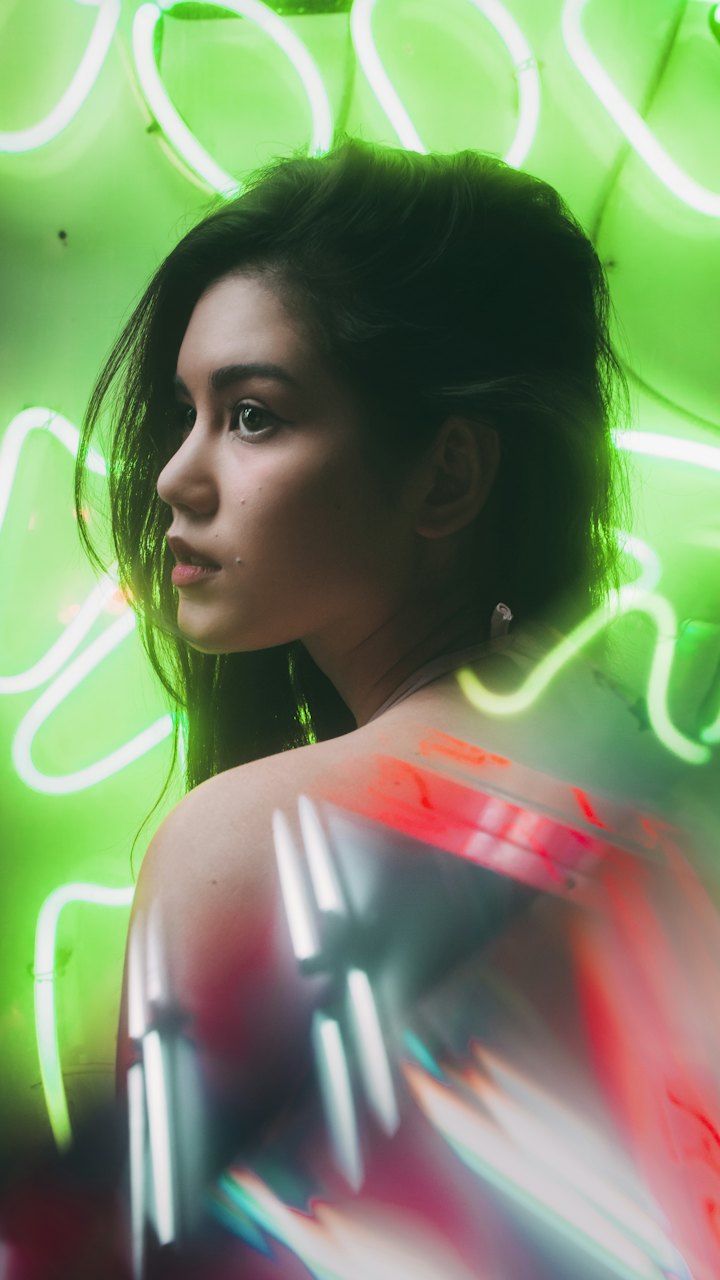 Example
Use a clip’s motion and camera work as a reference to generate a new video for a music visual or mood study. Results can stay close to the original and vary by model. This does not edit each source frame; source seconds are billed separately.
Seedance 2.0 MiniDescribe a scene or use an illustration as a visual reference for a new video draft. Compare camera ideas before a shoot.
Credits depend on the model, duration and resolution. The studio shows your exact quote before you generate. See pricing to compare credit packs and subscriptions.
Confirmed failed generations return their credits. Uncertain outcomes stay under review with credits held until the result is confirmed.
Finished videos stay in My videos until you delete them.
Start with text, photos, a reference MP4 or a template. A reference video guides motion and camera work for a new clip. Check input limits in the studio.
Generation credits depend on the model, resolution and duration. Reference videos add a duration-based charge. The studio shows the total before you submit.
Yes. When purchases are open, you can buy a one-time credit pack from the Pricing page. Credit packs do not renew automatically. Check the studio quote against your balance before starting a video.
You can start with a short prompt describing one subject and one action. To skip writing a prompt, choose a preset such as Hotel Lobby Duo or AI Police Chase and upload the photos it asks for.
Use JPEG, PNG or WebP for images and MP4 for reference video. The studio shows file limits for your selected model.
Confirmed failures return credits. If a result is under review, the credits remain held until the outcome is confirmed.
Finished videos stay in My videos until you delete them. Preview or download them anytime.
You can explore modes, models and settings without signing in. To upload and generate, sign in with a verified email, use an available model and make sure you have enough credits. You do not need your own API key.

Choose your input and build your next short video in the studio.
Open the video studio